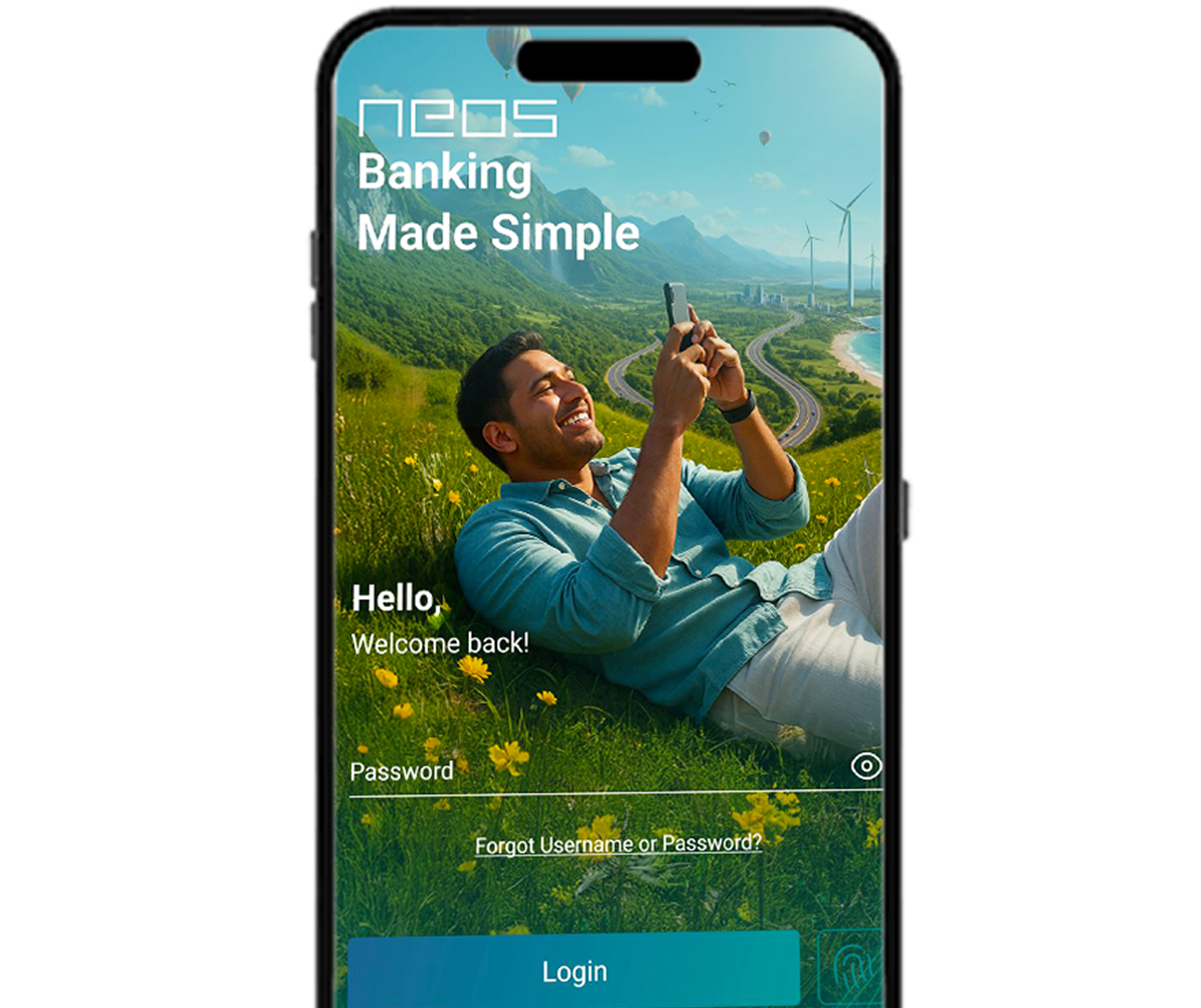
Welcome to NEOS, the all - new and upgraded mobile and online banking experience from NDB Bank - built to make your everyday banking faster, simpler, and smarter.
With a fresh look, enhanced security, and cutting-edge digital features, NEOS empowers you to manage your finances anytime, anywhere, with just a few taps.
Download for Apple Download for Android
Why Neos?
The new NEOS experience goes beyond traditional banking - combining innovations, security, and personalization to give you a truly connected financial experience.
Enjoy a redesigned interface, seamless performance, and a wide range of enhanced digital features to make your banking journey more intuitive and rewarding like never before.
- Open new Savings Accounts or Fixed Deposits online (existing customers).
- Pawning features:
- Part payments for existing pawning facilities.
- Digital renewal of pawning accounts.
- Top-up facilities based on current market value.
- Request Money: Instantly exchange funds between NEOS users.
- Pull Funds via JustPay: Transfer funds from other bank accounts to NDB NEOS.
- Download or share Credit Card statements instantly.
- Access detailed transaction history with biller-wise insights.
- Widget-based customizable dashboard.
- Actionable push notifications.
- Priority login pop-up alerts.
- Secure account number sharing via SMS, Email, or WhatsApp.
- Balance Privacy Screen for added protection.
- Trilingual support: Sinhala, Tamil, and English.
- Improved accessibility including screen-reader support.
NEOS isn’t just a banking app — it’s your personal financial hub. From automated bill payments to digital pawning renewals and intelligent notifications, NEOS 2.0 brings every aspect of your banking into one powerful, secure, and beautifully designed platform.
Upgrade Now
Experience the evolution of digital banking. Download NEOS from the App Store or Google Play Store.
Need Assistance?
For inquiries, contact our NDB Call Center for support or guidance.
+94 117 448 448
Let's Know NEOS?
FAQ
To register via the NEOS app, download the NEOS App from your respective app store. To register via NEOS Online, visit https://www.neosonline.ndbbank.com/.
You can register using your NDB Bank account/credit card/debit card details. Registering on the mobile app will also enable access on the online platform, and vice versa.
You can also register using your other bank account via JustPay. Please note that JustPay registration can only be done using the mobile app. Ensure you are connected to mobile data from the mobile number registered with your bank.
- Online fixed deposit opening
- Pawning facility
- Request money
- Pull funds from JustPay
- View summary of all accounts, cards, and facilities maintained
- View transaction history and past statements
- Transfer funds
- Bill payments
- Mobile recharge
- Pay to mobile
- Credit/debit card on/off
- Lost card reporting
- Card activation and deactivation
- Cheque status inquiry
- Schedule transactions
- Mailbox